What you'll learn
ADCA – Advanced Diploma in Computer Applications
Course Description (Professional & Job-Oriented)
ADCA is a 6-MONTH professional diploma course designed to provide complete knowledge of computer applications, office productivity tools, advanced software skills, and IT fundamentals. This course prepares students for office jobs, computer operator careers, data entry roles, graphic designing basics, and digital skills required in modern workplaces.
Why ADCA?
ADCA is one of the most popular IT career courses in India. After completing this program, students gain practical computer knowledge, confidence in handling office tasks, and eligibility for multiple government and private jobs.
Course Duration
- 6 Months
- Classes: 1 Hour Daily / 5 Days a Week
- Online + Offline Practice Available
Eligibility
- Minimum 5-10th Pass (Any Board)
- Basic knowledge of English/Marathi preferred
- No prior computer knowledge needed
Career Opportunities After ADCA
Students can work in roles such as:
✔ Computer Operator
✔ Office Assistant
✔ Data Entry Operator
✔ Graphic Designer (Junior)
✔ Tally Assistant
✔ MIS Executive
✔ Back-Office Executive
✔ Receptionist / Clerk
✔ Social Media Assistant
Certifications Provided
- ADCA Diploma Certificate
- Tally Certificate
- Typing Certificate
- Project Completion Certificate
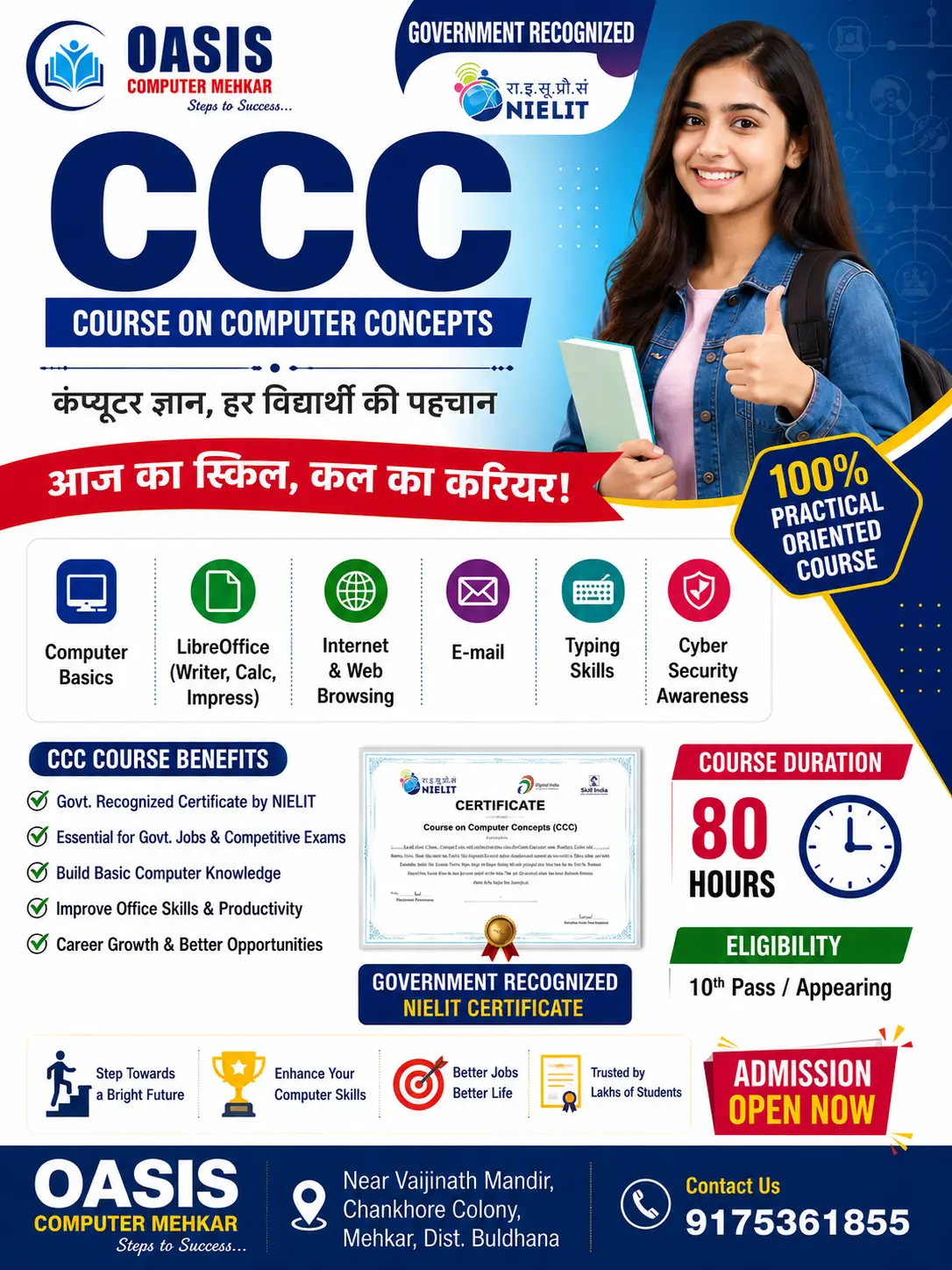
Why Choose Oasis Computer Mehkar?
- Expert Faculty
- 100% Practical Training
- Modern Computer Lab
- Job-Oriented Syllabus
- Professional Certificates
- Career Guidance & Placement Support
Show More
Course Syllabus
ADCA Course Full Syllabus
Module 1: Computer Fundamentals
- Introduction to Computers
- Types of Computers
- Hardware & Software
- Operating System (Windows / Linux Basics)
- Files, Folders, System Management
- Computer Security, Antivirus, Backup
Module 2: Microsoft Office / LibreOffice Suite
Word Processing (MS Word / Writer)
- Creating Documents
- Formatting & Editing
- Tables, Lists, Styles
- Mail Merge
- Page Setup & Printing
Spreadsheets (MS Excel / Calc)
- Basics of Spreadsheets
- Formulas & Functions
- Data Entry & Formatting
- Charts & Graphs
- Sorting, Filtering, Data Analysis
- Excel Automation Basics
Presentations (MS PowerPoint / Impress)
- Slide Design
- Animations & Transitions
- Templates
- Multimedia Presentations
Module 3: Advanced Excel
- VLOOKUP, HLOOKUP, XLOOKUP
- Pivot Table & Pivot Charts
- Data Validation
- Conditional Formatting
- MIS Reporting Basics
Module 4: Internet & Digital Skills
- Email Creation & Management
- Internet Safety
- Online Forms / Applications
- Cloud Storage
- Google Workspace (Docs, Sheets, Forms)
Module 5: Graphics Designing Basics
- Introduction to Photoshop / GIMP / Canva
- Photo Editing Basics
- Logo Making
- Poster / Banner Design
Module 6: Accounting Software
- Tally Prime (Basics to Advanced)
- Company Creation
- Ledger / Voucher Entries
- GST Billing
- Daily Transactions
- Reports (P&L, Balance Sheet)
Module 7: Programming Basics
- Introduction to Programming
- C / Python (Basics)
- Variables, Loops, Conditional Statements
- Basic Programs & Logic Building
Module 8: Database Management
- DBMS Concepts
- MySQL / Base Usage
- Tables, Queries, Forms
- Data Handling
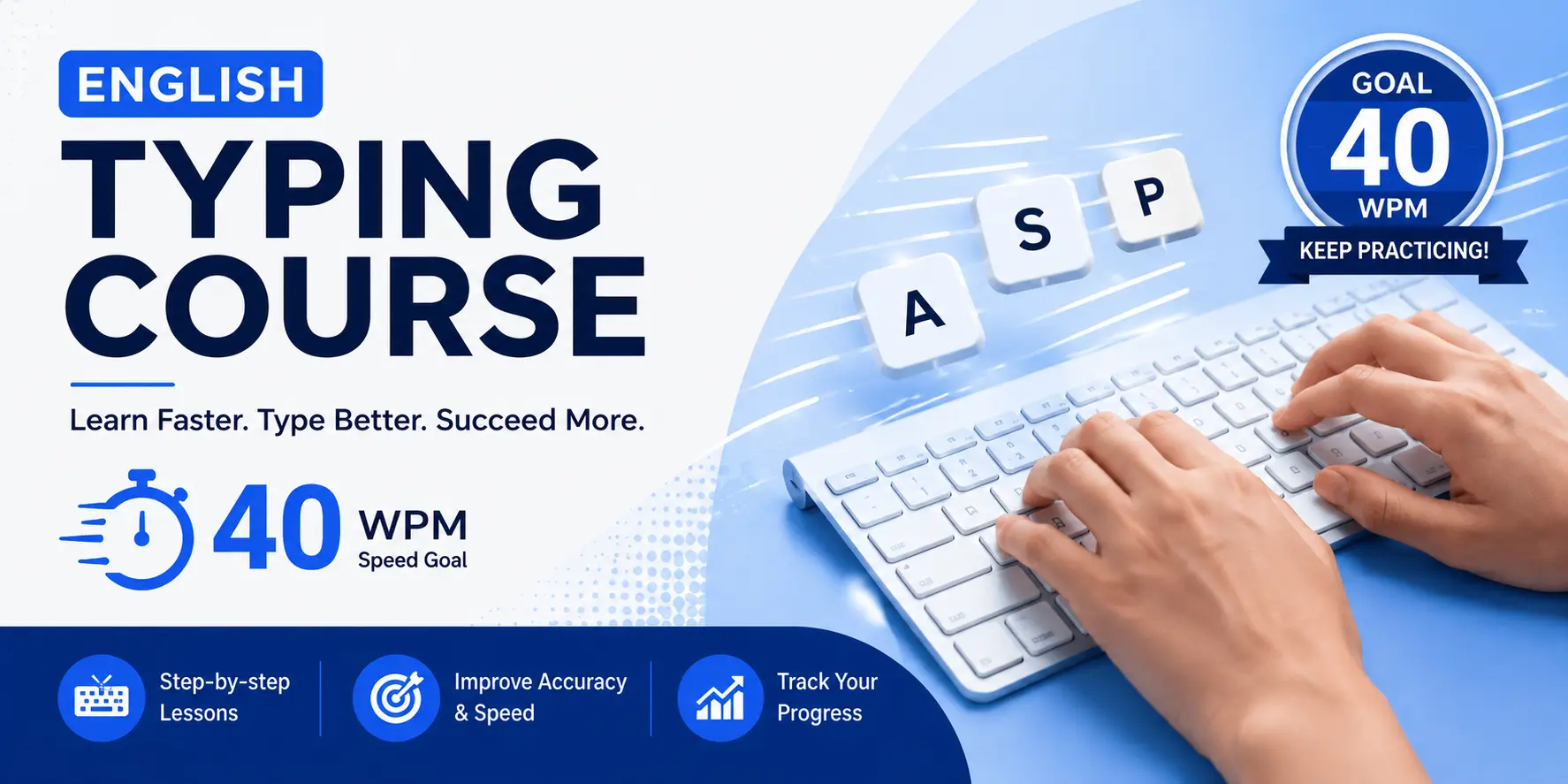
Module 9: Typing Skills
- English Typing Practice
- Accuracy Improvement
- Speed Training
- Official Typing Test Practice
Module 10: Project Work
Every student completes one major project, such as:
- Office Automation Project
- Billing System
- Data Entry Dashboard
- PPT Presentation Project
- Graphic Design Portfolio

 Bestseller