What you'll learn
🧑💻 Typing Course Description
Course Name: Typing Course (English & Marathi)
Duration: 1 to 3 Months (Flexible batches available)
Mode: Online / Offline
Level: Beginner to Advanced
📘 Course Overview
The Typing Course is designed to help students, professionals, and computer learners develop fast and accurate typing skills in both English and Marathi. Through structured practice sessions, typing tests, and interactive lessons, learners gain the speed and precision required for government exams, office work, and data entry jobs.
🎯 Course Objectives
- Learn proper keyboard finger placement and posture.
- Improve typing speed and accuracy using scientific methods.
- Practice touch typing (typing without looking at the keyboard).
- Develop English and Marathi typing skills using Unicode and Akruti software.
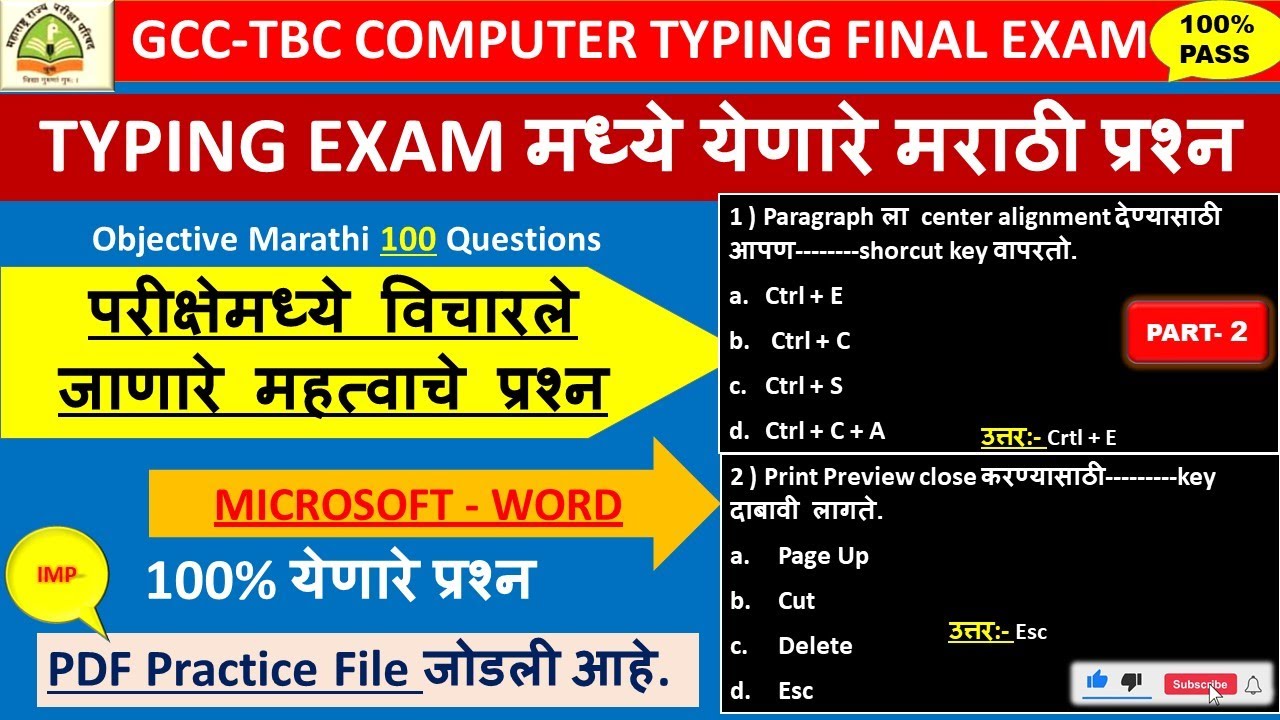
- Prepare for GCC-TBC typing examinations and government certifications.
🧠 What You Will Learn
- Basic introduction to keyboard layout (QWERTY)
- Home row and finger placement techniques
- Speed-building exercises
- Accuracy drills and error correction
- English typing (A–Z, sentences, paragraphs, documents)
- Marathi typing using Akruti/Baraha software or Unicode
- Regular typing tests and performance tracking
🏆 Certification
After successful completion of the course, students will receive a Typing Certificate from Oasis Computer Mehkar. Guidance for GCC-TBC Certification Exam is also provided.
👩🏫 Who Can Join
- Students preparing for government exams
- Office professionals and data entry operators
- School and college students
- Anyone who wants to improve their typing skills
Show More
Course Syllabus
🧾 Typing Course Syllabus
Course Name: Typing Course (English & Marathi)
Duration: 1–3 Months
Level: Beginner to Advanced
Module 1: Introduction to Typing
- Importance of typing in today’s world
- Understanding keyboard types (QWERTY layout)
- Correct sitting posture and finger placement
- Home row keys (ASDF – JKL;)
- Basic typing practice using home row
Module 2: English Typing – Beginner Level
- Learning top and bottom row keys
- Finger movement and hand coordination
- Typing small words and simple sentences
- Accuracy practice and daily speed test
- Use of Shift key, Spacebar, Enter, and Backspace
Module 3: English Typing – Intermediate Level
- Paragraph typing practice
- Speed and accuracy improvement drills
- Typing documents, letters, and applications
- Introduction to touch typing (typing without looking)
- Error identification and correction exercises
Module 4: English Typing – Advanced Level
- Typing long passages and timed speed tests
- Formatting and alignment practice (left, center, justify)
- Professional document preparation
- 5-minute and 10-minute speed tests
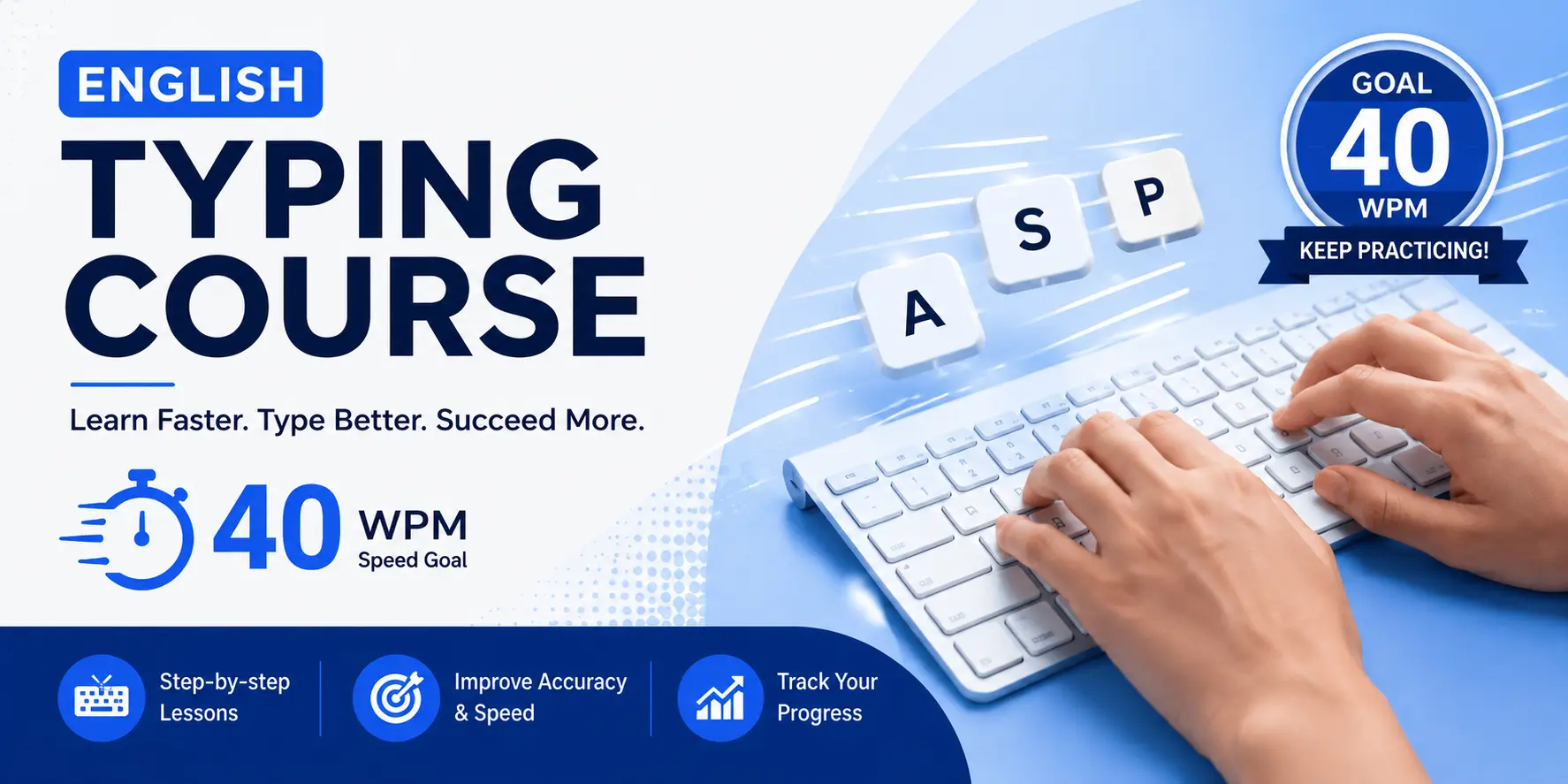
- Techniques to reach 30–40 words per minute
Module 5: Marathi Typing (Unicode / Akruti / Baraha)
- Introduction to Marathi typing software
- Marathi keyboard layout understanding
- Key combinations and shortcuts
- Marathi word and paragraph typing
- Practice for GCC-TBC (Marathi) exam standards
Module 6: Speed & Accuracy Improvement
- Daily timed tests and progress tracking
- Accuracy correction methods
- Speed-building games and software tools
- Weekly progress reports
Module 7: Exam Preparation & Certification
- Practice as per GCC-TBC Typing Exam Format
- Mock tests in both English and Marathi
- Guidelines for government typing exams
- Final evaluation and certification
Software Used
- English Typing: Typing Master / Rapid Typing / KeyBlaze
- Marathi Typing: Akruti, Baraha, or Google Input Tools
Outcome
After completing the course, students will be able to:
✅ Type 30–40 WPM (English) and 25–30 WPM (Marathi)
✅ Type accurately without looking at the keyboard
✅ Prepare for and pass GCC-TBC or government typing exams

 Bestseller